Your PDFs should never see the internet
Thirteen PDF tools in a single file you keep on your own computer. Change the wording inside a PDF, merge, split, compress, sign, protect. Every file is opened and rewritten inside your browser tab — nothing is uploaded, nothing is queued on somebody's server, and there is no daily limit.
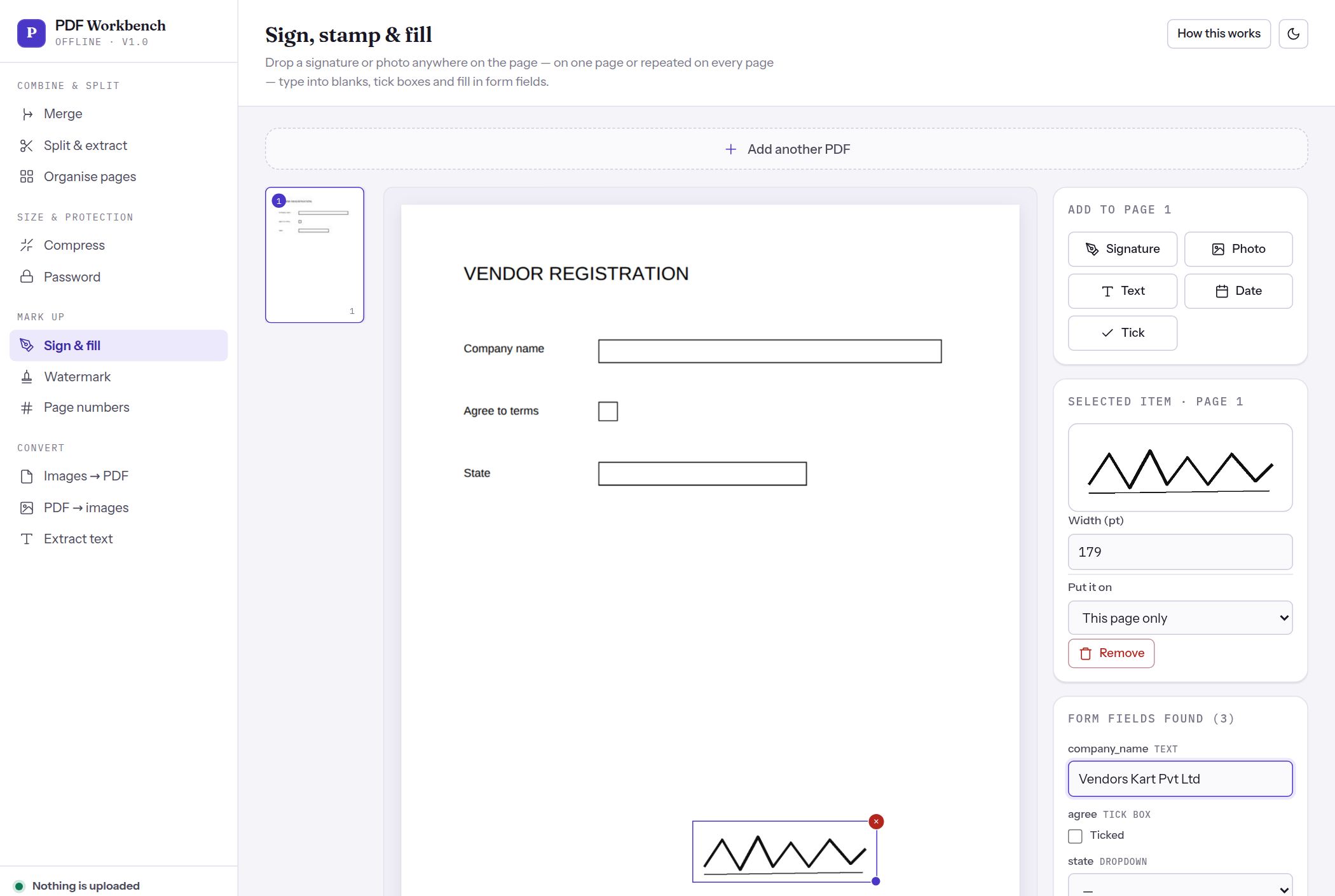
What it does
Thirteen tools, all of them working on files that stay on your machine.
Questions people ask
How can a single file do all this with no server?
Everything runs in your browser. Modern browsers can read and write PDF bytes directly, and the two libraries that do the heavy lifting are built into the file. That is why it is 3.6 MB — you are downloading the whole program once, not visiting a website.
Really nothing is uploaded?
Really. The downloaded file contains no networking code at all: open it in Notepad and search it. If you use it here on this site instead, the site counts anonymous things — that a tool was pressed, roughly which browser, which day — and never file names, file contents, sizes or anything you type. Do Not Track switches even that off.
Can it really change the text inside a PDF?
Yes — dates, names, product descriptions, figures. It rewrites the glyphs the page already draws, so the replacement keeps the document's own font and point size rather than approximating them, and the old wording is removed from the file rather than covered over. Two honest limits: a scanned PDF is a picture and has no text to change, and most PDFs embed only the characters they already use, so if the document contains no Z anywhere it has no Z to draw. It tells you when that happens and offers the closest standard font instead.
Is there a catch? How is this free?
No catch. It was built to replace uploading sensitive invoices and contracts to free PDF websites, and it costs nothing to give away because there is no server to run. Nobody is billed and nothing is upsold.
Where should I keep the file?
Your Desktop or Documents folder. Double-click it whenever you need it. In Chrome or Edge you can also open it and choose ⋮ → Cast, save and share → Install page as app so it gets its own icon and window.
What can it not do?
It cannot read text out of a scanned image — that needs OCR. It cannot recover a password you have forgotten. Very large files are limited by your computer's memory rather than by any upload cap.